


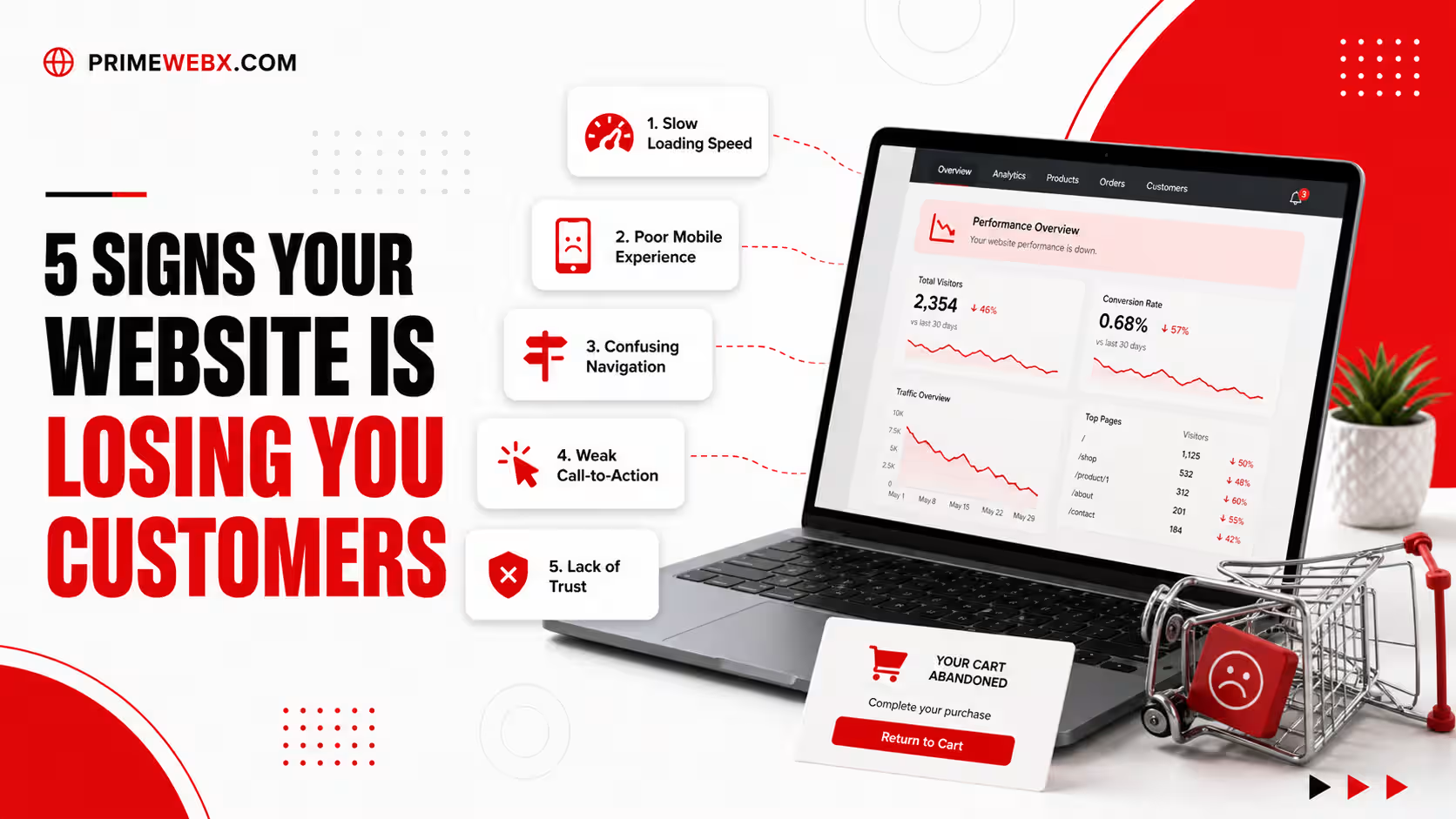
You paid for a website. You shared the link on WhatsApp, Instagram and Google. People are visiting, but your phone is not ringing and your inbox is empty. Sounds familiar?
This is a very common problem for small businesses in India. The good news is that your product or your price may not be the issue at all. Very often, the website itself is quietly pushing customers away.
In this article, we will explain five clear signs that your website is losing you customers. For each sign, we will also tell you how to fix it in simple steps. You do not need any technical knowledge to understand this.
Why Your Website Matters More Than Ever
Today, almost every customer checks a business online before calling or visiting. They search on Google, open your website, and decide within a few seconds whether to trust you. If your website feels slow, confusing or old, they simply go back and click on your competitor.
Think of your website as your shop front. If the door is stuck, the board is faded and nobody can find the counter, customers will walk away. Let us look at the five signs one by one.
Sign 1: Your Website Takes Too Long to Load
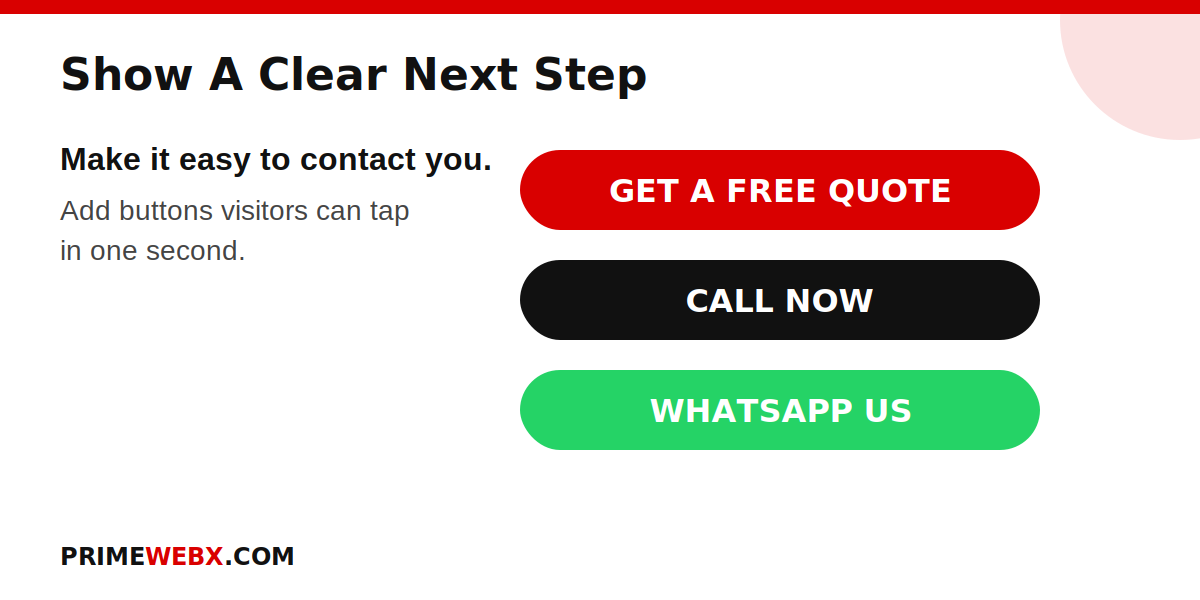
Most people in India browse on their mobile phones, and many use mobile data that is not always fast. If your website takes too long to open, visitors will not wait. They will press the back button and choose another result.
Slow websites also hurt your Google ranking. Google wants to show fast and easy to use pages, so a slow site can get fewer visitors even before anyone sees it.
Common reasons for a slow website:
- Very large images that were not compressed
- Cheap or overloaded hosting
- Too many plugins and extra features
- No caching on the website
How to fix it:
- Compress every image before uploading it. Free tools like TinyPNG and Squoosh can help.
- Choose good quality hosting from a trusted provider.
- Remove plugins that you do not use.
- Use a caching plugin if your site is on WordPress.
You can check your speed for free using Google PageSpeed Insights. Just paste your website link and read the report.
Sign 2: Your Website Does Not Look Good on Mobile
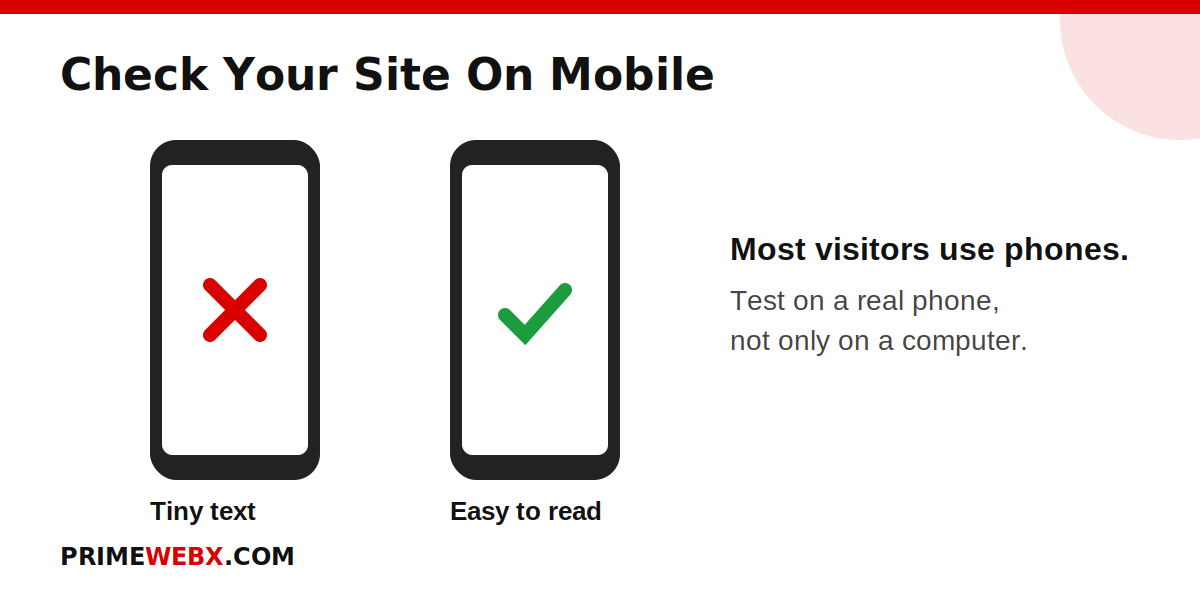
Please take your phone and open your own website right now. Is the text too small? Are the buttons too close to each other? Do you have to zoom in again and again to read anything?
If yes, you are losing customers. A large number of your visitors are on phones, and they will not struggle with a website that is hard to use.
How to fix it:
- Use a responsive design, which means the website adjusts itself to every screen size.
- Keep the text large enough to read without zooming.
- Make buttons big enough to tap easily with a thumb.
- Test your website on a real phone, and if possible on two or three different phones.
Sign 3: Visitors Cannot Understand What You Do
Many business websites start with a big photo and a general line like Welcome to our company. This tells the visitor nothing. People want an answer in a few seconds: What do you offer, who is it for, and why should I choose you?
If your homepage does not answer these questions quickly, visitors get confused and leave.
How to fix it:
- Write one clear line at the top of your homepage. For example: Affordable Website Design for Small Businesses in Mumbai.
- Add one short line below it that explains the benefit to the customer.
- List your main services in simple words, not in heavy technical language.
- Show your city or area if you serve local customers. This also helps in local search on Google.
Sign 4: There Is No Clear Next Step for the Customer
Imagine a customer likes your website and wants to contact you. What should they do next? If they have to search for your phone number or scroll to the bottom of the page, many of them will give up.
A website without a clear call to action is like a shop with no counter. People may admire it, but nobody can buy anything.
How to fix it:
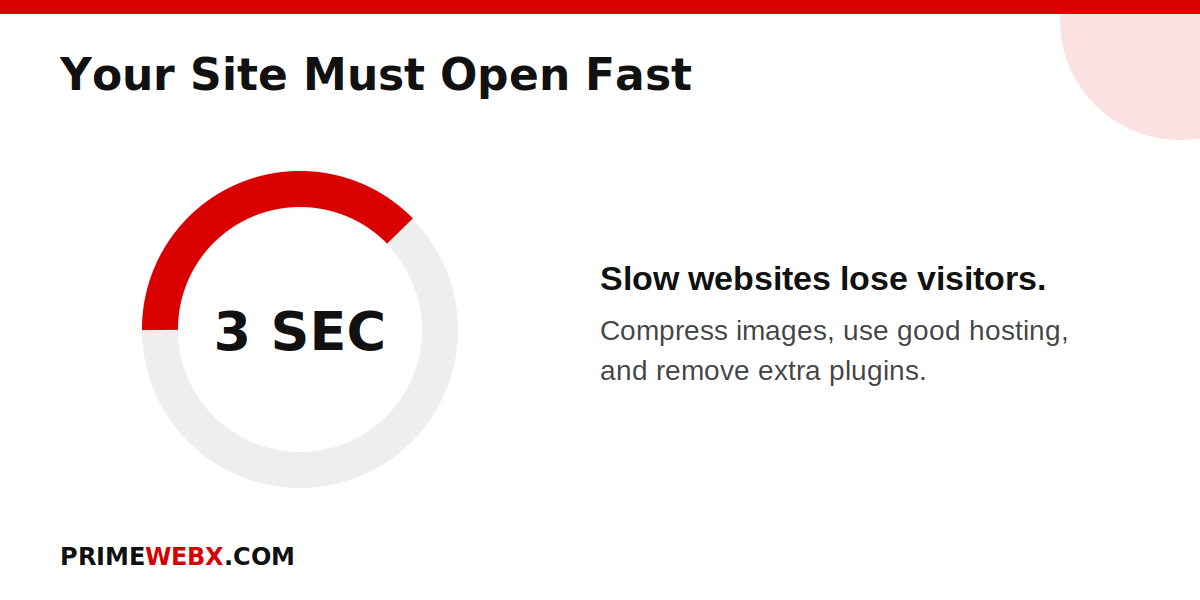
- Add clear buttons such as Get a Free Quote, Call Now or Book a Demo.
- Add a WhatsApp button. In India, many customers prefer to message on WhatsApp instead of filling a form.
- Keep your contact form short. Name, phone number and message are enough.
- Show your phone number at the top of every page so it is always easy to find.
Sign 5: Your Website Looks Old or Not Trustworthy
Customers judge your business by your website, even if they do not say it. An old design, broken links, blurry photos, spelling mistakes or missing contact details can make people doubt whether your business is real and reliable.
Trust is very important, especially when someone is spending money for the first time with a new business.
How to fix it:
- Refresh your design every few years so it looks modern and clean.
- Add real customer reviews, testimonials and photos of your work.
- Show your full address, phone number and email clearly.
- Add an About page with your story and your team. People like to buy from people.
- Fix broken links and update old information, such as old offers or wrong prices.
- Make sure your website has a security certificate, so the link starts with https.
A Quick Checklist You Can Use Today
Here is a simple checklist. If you cannot say yes to most of these, your website needs some work.
- Does my website open in about 3 seconds on my phone?
- Is my website easy to read and use on mobile?
- Can a new visitor understand my business in 5 seconds?
- Is there a clear Call Now, WhatsApp or Get a Quote button?
- Does my website look modern and trustworthy?
Frequently Asked Questions
How do I know if my website is losing customers?
Check if you are getting visitors but very few calls, messages or form submissions. Free tools like Google Analytics can show you how many people leave your website quickly.
How often should I redesign my website?
There is no fixed rule, but most businesses benefit from a refresh every two to three years. Small improvements can be made at any time.
Will fixing these problems help my Google ranking?
Yes, in most cases. A fast, mobile friendly and easy to use website is good for both customers and search engines.
Do I need a new website or can the old one be improved?
Many times, the old website can be improved with better speed, a cleaner layout and clearer buttons. A new website is needed only when the old one is very outdated or built badly.
Final Thoughts
If you found two or three of these signs on your own website, please do not worry. Every one of them can be fixed, and even small changes can bring more calls and more enquiries. Start with the easiest one, such as adding a WhatsApp button or compressing your images, and then move step by step.
Need help with your website? At PrimeWebX, we build fast, mobile friendly and professional websites for Indian businesses, and we turn visitors into customers. Not sure what is holding your website back? Visit primewebx.com and ask for a free website review.